In a world where technology dominates, security in shared or multi-user environments can be a concern. Microsoft’s Windows 11 Kiosk Mode is a sought-after feature designed to provide a solution. It functions by limiting access to a specified application or set of applications.
Table of Contents
What is Windows 11 Kiosk Mode?
The Windows 11 Kiosk Mode serves as a replaceable shell for Windows Explorer that allows restricted access to specific applications defined by the system administrator. This ensures the security of the underlying operating system.
Key Features of Windows 11 Kiosk Mode:
Windows 11 Kiosk Mode is engineered for limited security or multi-user settings, like an interactive directory in a building lobby. It effectively prevents users from accessing applications outside the directory application.
How to Set Up Windows 11 Kiosk Mode?
Setting up Windows 11 Kiosk Mode can be achieved in multiple ways, mainly depending on the chosen Kiosk app and the Windows 11 edition you are using. Versions like Windows 11 Pro, Education, and Enterprise allow Kiosk Mode for Universal Windows Platform (UWP) applications, whilst classic Win32 apps require Windows 11 Enterprise or Education.
Configuring Universal Windows Platform (UWP) Apps with Kiosk Mode:
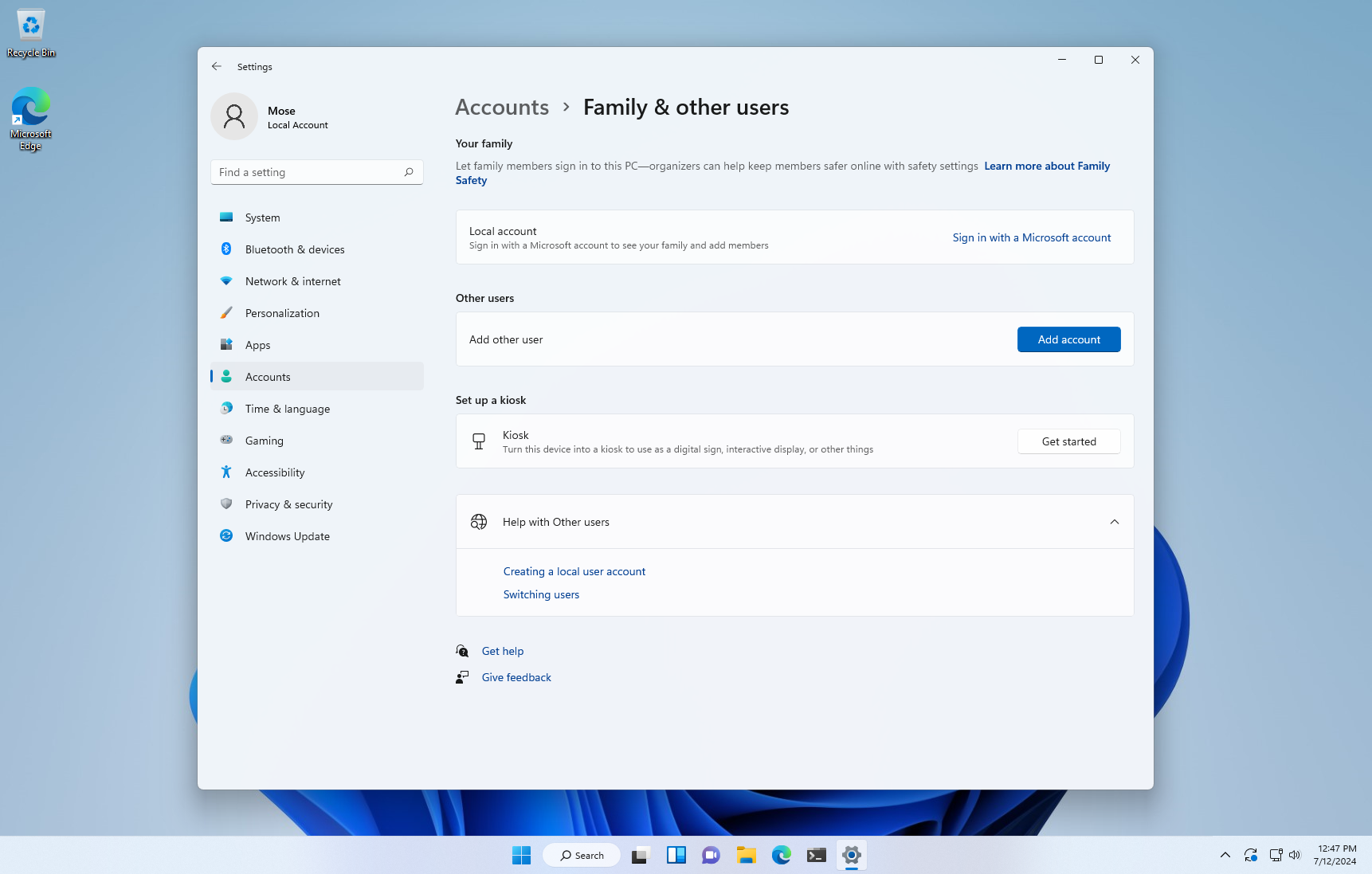
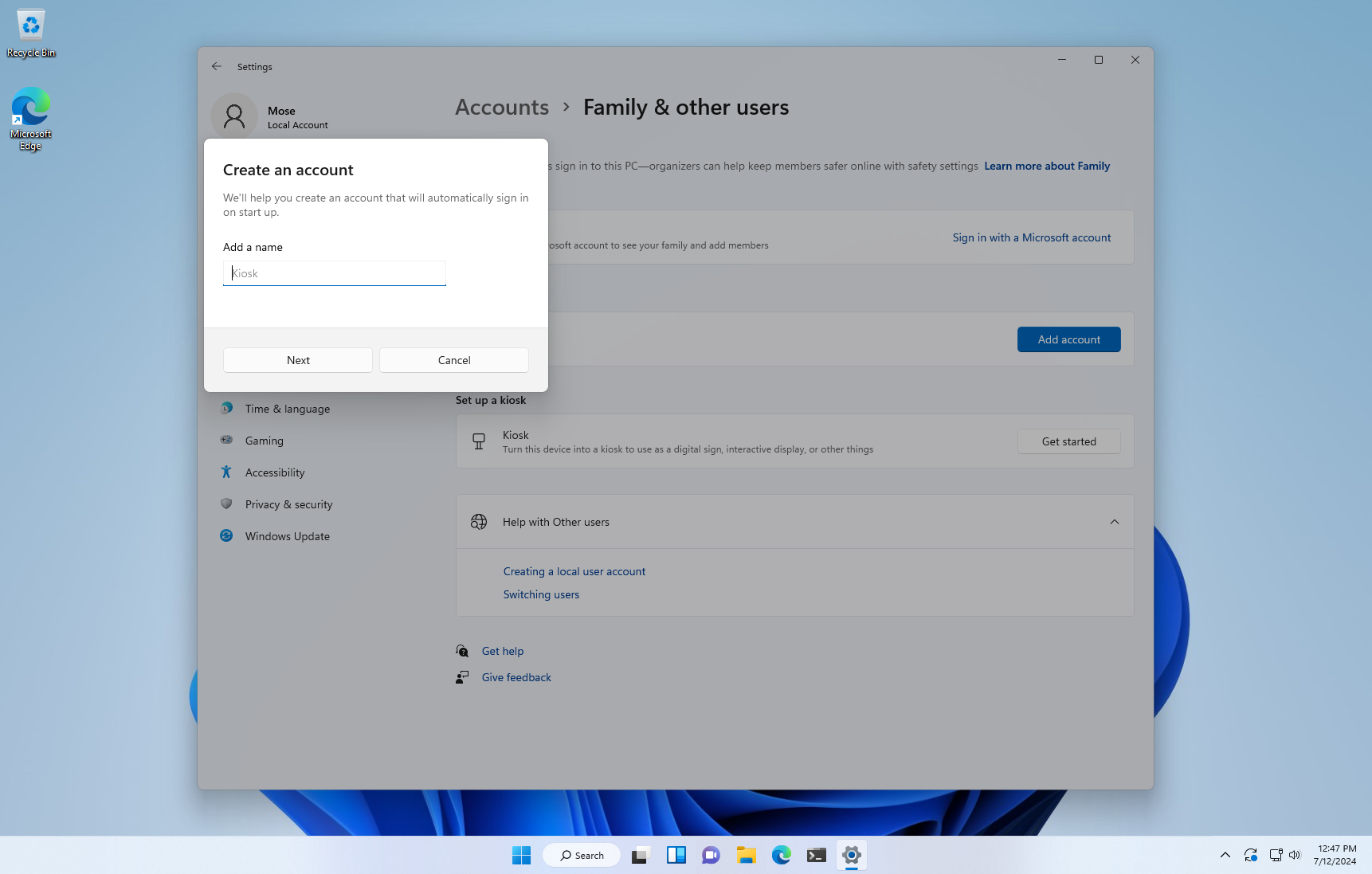
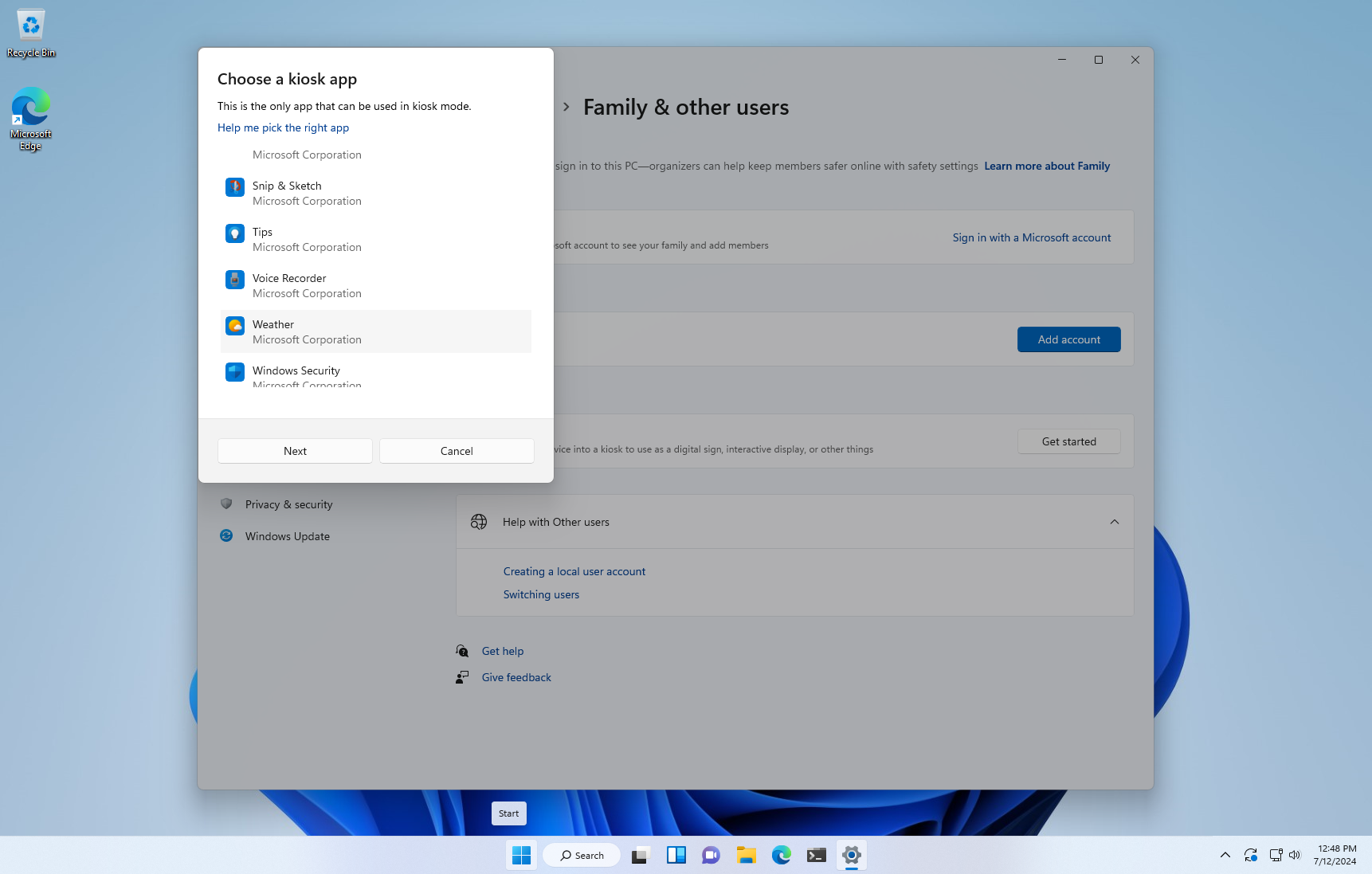
A Universal Windows Platform (UWP) application chosen as your kiosk app can be set up manually using the Settings app or via a PowerShell script. Furthermore, Windows 11 Enterprise or Education users can configure their UWP kiosk app using a Mobile Device Management (MDM) policy or a provisioning package.
Customizing Classic Windows Apps for Kiosk Mode:
For those opting for a classic Windows app as their Kiosk app, the Shell Launcher feature of Windows 11 is the way to go. This feature can be installed using the programs and features wizard or the Deployment Image Servicing and Management (DISM).
Conclusion
With the Kiosk Mode, Windows 11 has revolutionised the way shared devices function, ensuring that user access is specific and secure. Whether it is a UWP or a classic Windows application, Kiosk Mode provides an environment that is user-friendly, secure, and functional.