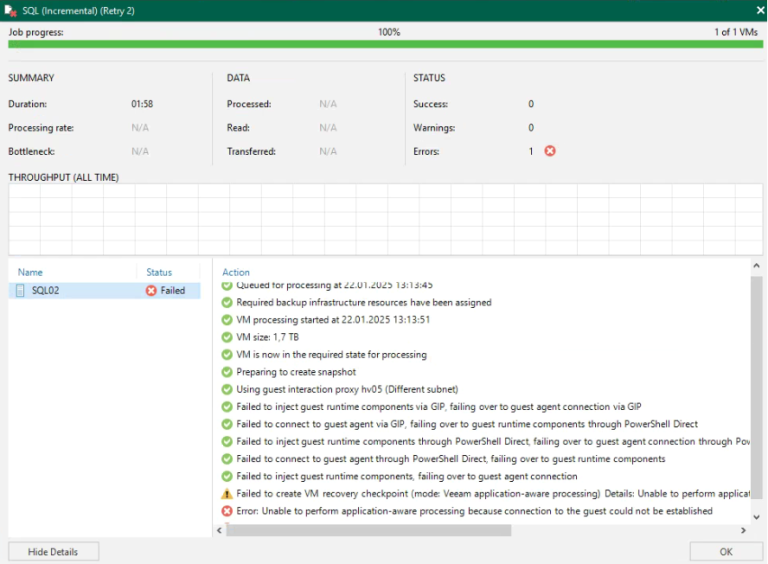
Application-aware processing is critical in Veeam to ensure consistent, application-level backups of virtual machines (VMs). A common error encountered during Veeam backups is “Unable to perform application-aware processing.”
1. Check If the Volume Shadow Copy Service (VSS) Is Enabled
The Volume Shadow Copy Service (VSS) is essential for creating consistent snapshots of VMs during backups. To resolve this issue, we first verify that VSS is enabled:
Steps:
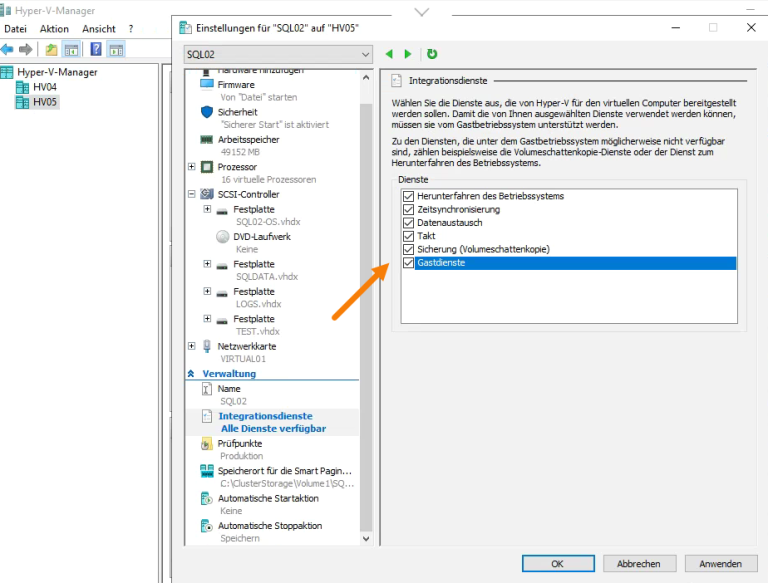
- Access the VM settings in your virtualization management platform (e.g., Hyper-V shown in the screenshot below).
- Ensure that Backup (Volume Shadow Copy) and Guest Services are enabled under Integration Services.
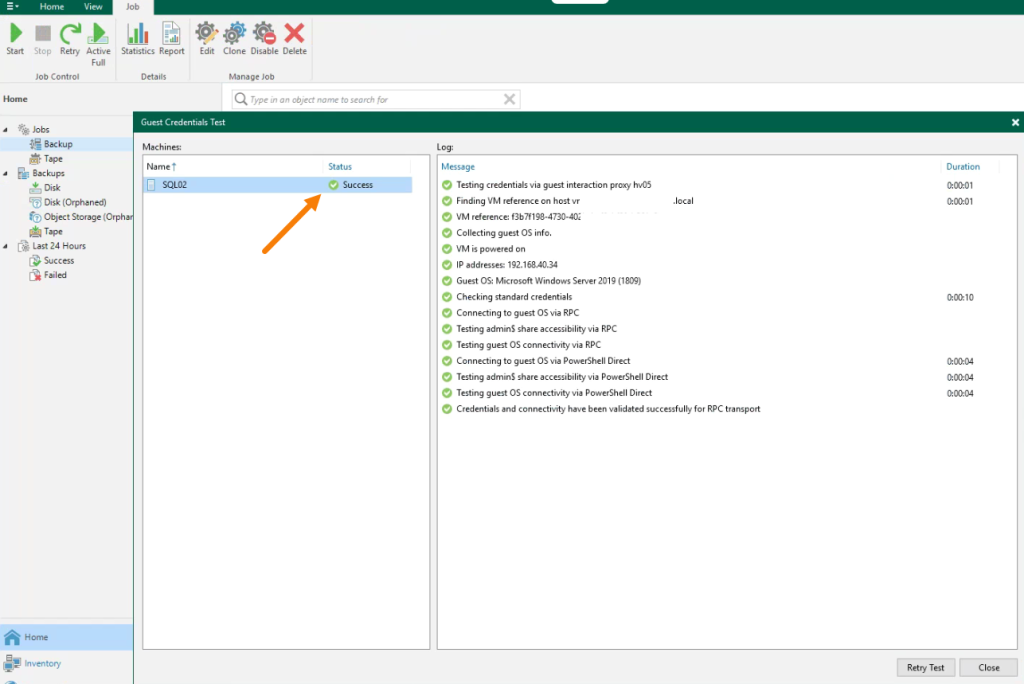
2. Run the Guest Credentials Test on the Backup Job
Validation of guest credentials is vital to enable seamless communication between Veeam and the guest VM for backup processing. Perform a Guest Credentials Test to ensure communication succeeds.
Check the Status of VSS Writers on the VM
After validating the guest credentials, ensure that VSS writers are functioning correctly on the VM. Improper or stuck VSS writers can cause backup failures.
vssadmin list writers
Verify that all writers are showing a stable state with no errors. If encountering errors, restart the Volume Shadow Copy Service (VSS) and associated services, such as SQL Server services (where applicable), and recheck the results.
3. Reboot the VM if All Steps Pass but the Issue Persists
If VSS is enabled and guest credentials validation succeeds but the error remains, it’s possible the VM is in a hung state that prevents proper interaction with Veeam. Rebooting the VM often resolves such issues.
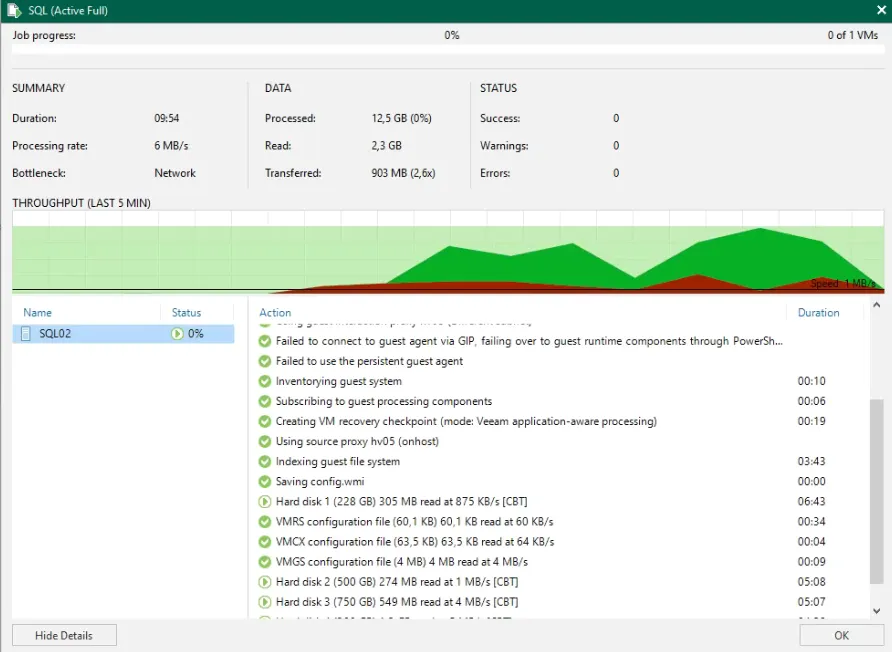
After rebooting the VM, retry the failed backup job in Veeam, If everything is configured correctly, the job should now run successfully.